Tool
MAGI-2 image to video
Animate one photo, sound included
 MAGI-2 AI
Skip the 5-second silent clips and the dubbing later: MAGI-2 films the whole scene with dialogue, sound effects and music in one take.
4–30s · 1080p with sound · See the cost first · Refund if it fails
 ♪ DIALOGUE + SFX
Your MAGI-2 video with sound will play here
Tap an example to watch it
Tool
Animate one photo, sound included
Why MAGI-2
Most AI video tools give you short, silent clips. MAGI-2 films a whole scene, with voices and sound, in one take.
Silent 5s clips
01 · Length
Pick any length from 4 to 30 seconds. A full 30-second scene stays one continuous shot, or you can ask for cuts between shots, instead of stitching 5-second pieces together.
“You took the last slice.”
02 · Sound
Write the lines in your prompt. MAGI-2 speaks them with lip sync and adds footsteps, rain, crowd noise or music that fits the scene. Turn sound off if you only want the picture.
03 · Image to video
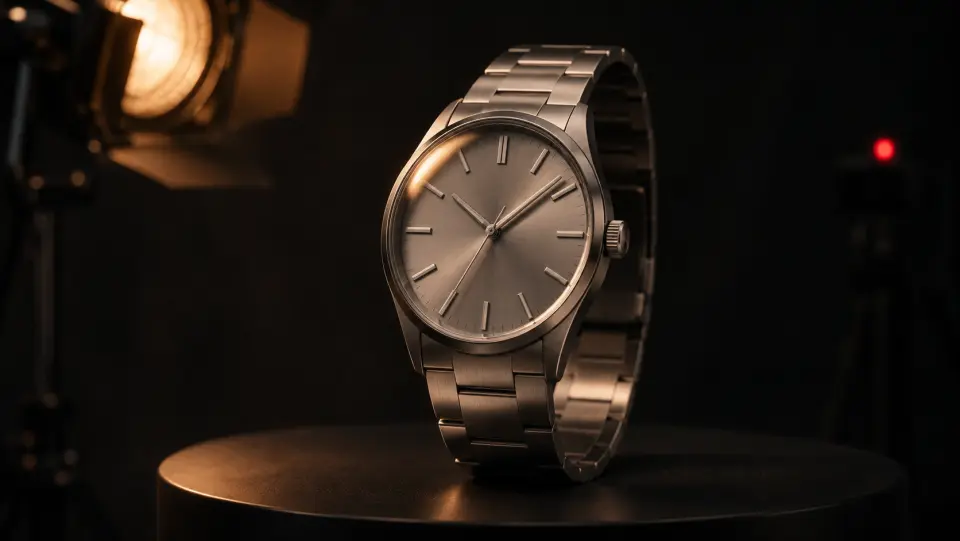
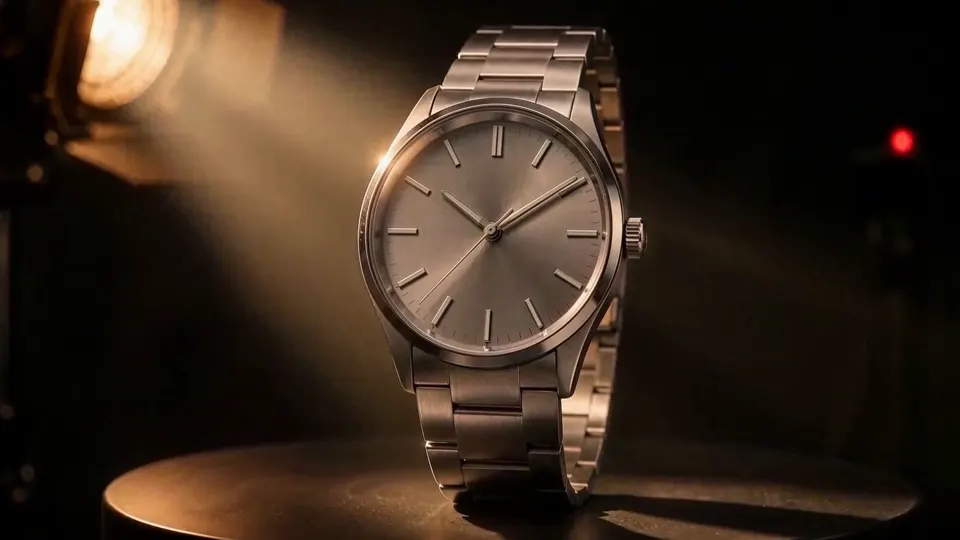
Upload a photo, a product shot or a drawing as the first frame, and add a last frame if you want the shot to land somewhere specific. MAGI-2 animates the image you gave it.
3 steps
No editing software and no GPU: this MAGI-2 video generator runs in your browser.
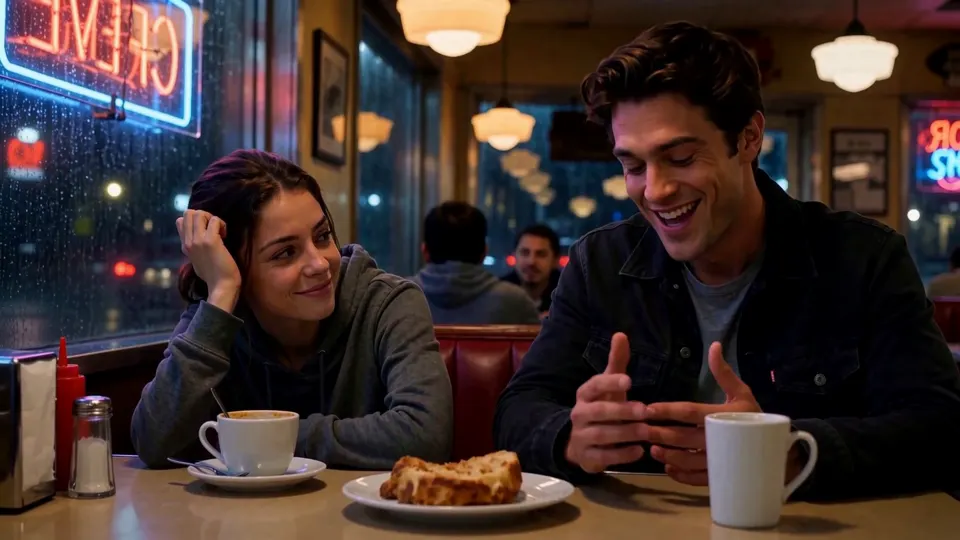
Late-night diner. MIA, tired: “You took the last slice.” JOE grins: “You snooze, you lose.” Rain on the window, low jukebox music.
Say where it happens, who is in it, what they do and say, and how it should sound. Or add a first frame.
Choose 4 to 30 seconds, one of six aspect ratios from 21:9 to 9:16, and sound on or off. The button shows the exact credits before you press it.
Your video plays on the page and stays in My videos for 7 days. Download the 1080p MP4 to keep it.
Who it's for
People who need a scene with sound, not just a moving picture.
Write two characters and their lines, and get a 20 to 30 second scene with dialogue you can post as one episode beat.
Upload a product photo as the first frame and get a short clip with motion, light and sound for ads, Reels or Shorts.
Saw the MAGI-2 demos and want to see it with your own prompt? Run one 5-second clip before you commit to anything.
Before you start
Straight answers to what people ask before they spend credits.
Yes. Every video on this site is made with MAGI-2. We don't swap in another model when it gets busy.
9 credits per second, sound included: 45 credits for 5 seconds, 270 for 30. Credits come back automatically if a video fails or gets blocked.
You get a 1080p MP4 without a watermark, and we claim no rights in it. Paid or client use also depends on the MAGI-2 model's own terms, so check them first. YouTube, TikTok and Instagram ask you to label realistic AI video.
When many people generate at once, your video waits in a queue and the page shows how many are ahead. You can close the tab; finished videos stay in My videos for 7 days.
Pricing
Every second of video costs 9 credits, sound included. A 5-second clip is 45 credits; a full 30-second scene is 270.
Plans renew until you cancel in Billing; credit packs are one-time. Failed or blocked videos give every credit back.
Only need a few videos? Buy a credit pack. Posting every week? A yearly plan costs half as much per video.
Payments are processed by Stripe over an encrypted connection. We never see or store your card number.
FAQ
Not here. Every MAGI-2 video runs on paid GPU time, so each one costs credits: 45 for a 5-second clip with sound. The examples above are free to watch, and if a video fails, the credits come back.
270 credits: about $19 on a monthly plan, under $10 on a yearly plan, or exactly one $24.99 Plus pack. A 5-second clip is 45 credits.
MAGI-2 makes 4 to 30 second videos in 1080p, with dialogue and lip sync, sound effects, ambient sound and music. It works from text or from a first frame you upload.
On November 25, 2026 we tested MAGI-2 with 8 prompts, including the ones behind the examples on this page. Clips of 5 to 15 seconds took 3 to 7 minutes and came out at 1920×1080, 30 fps, with stereo sound. Dialogue, lip sync and sound effects held up well. The weak spot: in Image References mode, faces drifted from the reference photos, so use Image to Video when a face has to match.
Choose Image to Video, upload your image as the first frame, describe the motion and sound, then pick a length. Add a last frame if you want the shot to end on a specific picture.
Cover six things: place, characters, action, exact lines with who says them, camera movement and sound. Short and concrete beats long and vague. Watch the examples above to hear what that gets you.
It depends on the shot. MAGI-2 runs up to 30 seconds in one take, with dialogue and sound made in the same pass, so it suits scenes where people talk. For very fast action, test a short clip first.
If it fails, the credits return to your balance right away and you can try again. If it sits in the queue, leave it running; it will appear in My videos when it is done. Still stuck? Email support@magi-2-ai.org with the time you started it.
The earlier MAGI-2 Preview has open weights, but running it needs several data-center GPUs. The full model has no public weights yet. This site lets you use MAGI-2 without any setup.
Write it, hear it, download it. A 5-second clip is 45 credits.
Make My Video45 credits